What Makes a Dev Machine Great in 2026
Choosing the right development machine in 2026 means more than just picking the fastest processor. With the increasing complexity of development environments, hybrid work setups, and evolving software stacks, developers need machines that match both their workflow and lifestyle.
Core Performance Priorities
When it comes to raw specs, the heart of any capable dev machine includes:
CPU: Multi core performance still rules. Look for 12th gen Intel i7/i9, Apple M series (M3 and beyond), or high thread count AMD Ryzen or Threadripper chips depending on your stack.
RAM: An absolute minimum of 16 GB, with 32 GB+ quickly becoming standard for multitasking, virtual machines, or running Docker containers.
Storage: Favor NVMe SSDs over traditional SSDs for significantly faster read/write speeds. At least 512 GB is recommended, but 1 TB or more gives you room to scale.
Battery and Portability for Hybrid Developers
Remote and hybrid work remain the norm, demanding machines that are as efficient on the go as they are at a desk. Key things to consider:
Battery life of 10+ hours under dev workloads is ideal
Lightweight builds that don’t compromise thermals or IO
USB C and Thunderbolt ports for flexible workstations
Ergonomics: Display, Keyboard, and Cooling
Developer productivity hinges on comfort and sustained performance:
Displays: A crisp 2K or 4K screen (13″ 16″) with 100% sRGB or better is preferred for clear code visibility and UI work
Keyboards: Tactile, responsive keyboards with decent travel enhance typing speed and accuracy. Backlit keys are essential.
Thermal design: Poor cooling throttles performance. Opt for systems with proven thermal management, especially during long compiles or intense debug sessions
Toolchain Compatibility
Your development tools should work out of the box or close to it. In 2026, this means:
Full support for Linux distros like Ubuntu, Arch, or Fedora, either native or via WSL (Windows Subsystem for Linux)
Smooth running of development containers and Kubernetes through Docker Desktop, Podman, or Colima, depending on OS
Native compatibility with code editors like VS Code, JetBrains IDEs, and terminal based toolchains
Choosing the best dev machine starts with understanding what you run daily and making sure your hardware is ready to handle it without friction.
Top Picks for Front End Developers
If you’re building frontend apps in 2026, your machine needs to be fast, efficient, and designed for design. Figma flies best on crisp, color accurate displays so look for laptops with at least a 14 inch screen, 100% sRGB coverage, and 2560×1600 or higher resolution. Glare free panels and thin bezels are a plus when you’re juggling DevTools and Webpack side by side.
React and Vue workflows don’t need massive horsepower, but they hate lag. Go with at least a 12 core CPU (M3 Pro, Intel 13th Gen, or Ryzen 7000 series), 16GB of high speed RAM, and a zippy NVMe SSD. If you’re constantly running local dev servers, component libraries, or Storybook instances, that extra RAM headroom pays off.
For top performance without the bulk, check out machines like the MacBook Air M3, Dell XPS 13 Plus, or Lenovo Slim Pro 9i. These weigh under 3 pounds, hold up well under prolonged Code+Design sessions, and stay cool without sounding like a jet engine.
Frontend devs crave clarity and responsiveness. These picks deliver exactly that no fluff, just machines that let you ship fast and smart.
Best Workstations for Back End and Full Stack Engineers
Choosing the ideal workstation means thinking well beyond raw clock speed. Back end and full stack work requires machines that can handle everything from data heavy workloads to concurrent dev environments.
Built for Heavy Lifting
If you’re managing multiple containers, virtual machines, or large databases, your machine needs serious muscle. These components are essential:
Server grade CPUs like AMD Ryzen Threadripper or Intel Xeon for high core counts and parallel task execution
Minimum 32 GB RAM, with 64 GB or more recommended for larger CI/CD pipelines and real time container orchestration
Fast storage preferably NVMe SSDs to minimize latency for local development and database write cycles
Language Specific Optimization
Depending on your tech stack, your ideal setup may vary. Here are key considerations by language:
Node.js / JavaScript: High single thread performance, fast file I/O, lots of RAM for Node based microservices and package handling
Python and Java: Balanced CPU/RAM combo, optional GPU for data heavy or asynchronous tasks
Golang: Lightweight but benefits from fast compile times favor SSDs and multicore CPUs
Many developers are also using Docker and Kubernetes locally, making it even more important to have hardware that can virtualize efficiently.
Designed for Long Hours & Multi Monitor Setups
Workstations for full stack development often double as all day productivity hubs. You’ll want to invest in:
Multi monitor output support look for GPU or motherboard support for 2 to 3 external displays
Thermal efficiency to keep CPUs and GPUs cool during extended compile times or long dev sprints
Quiet operation especially for shared or hybrid workspaces
Fan noise and heat throttling aren’t just annoyances they can slow down overall performance when you’re pushing your system for hours on end.
Machines like the Lenovo ThinkStation P series, Apple Mac Studio (M3 Max), and custom built desktops with RTX 4080 class GPUs provide excellent power and flexibility for serious developers looking to future proof their workflow.
Recommended Machines for AI/ML Developers
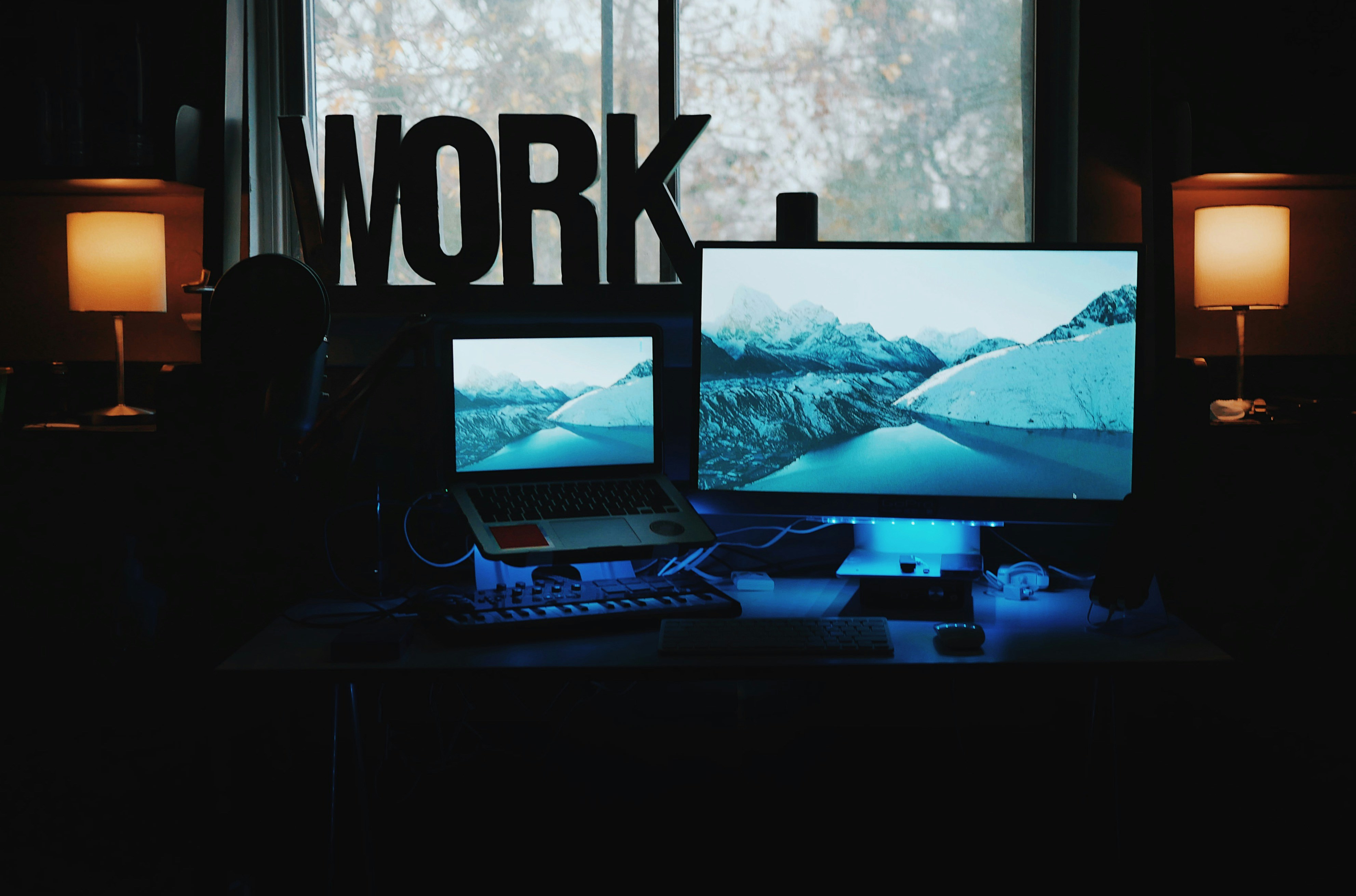
If you’re working in AI or machine learning, your laptop isn’t just a device it’s a co pilot. GPU first machines are now table stakes for local experimentation. NVIDIA RTX 40 series GPUs lead the pack with better CUDA support and superior performance on PyTorch or TensorFlow tasks. Apple’s M3 Pro is catching up fast, especially if you’re living in the Swift + Metal world. AMD is still hanging in there with competent options, though software ecosystem gaps make them better fit for specific workflows.
Training small to mid scale models locally? Look for at least 32GB of RAM and 8 12GB of dedicated VRAM. More is better, but you’ll hit a ceiling quickly without optimization. You don’t need a full blown datacenter just enough to iterate without GPU rental fees draining your project before it ships.
Portability still matters if you’re mobile, but it comes at a cost. Powerful GPUs heat up and drain batteries fast. Some developers compromise with eGPUs at home, lightweight laptops on the move. Others lug workstation class tanks around because every minute counts.
In short: invest in hardware based on your typical workload, not your wishful ones. Training LLMs? You’ll want a tower. Running quantized models or prototyping CNNs? A beefy laptop fits just fine.
Developer Optimized Desktops & Custom Builds
For all the buzz around ultra portable laptops, there’s still one frontier they can’t fully conquer: raw, unapologetic power. That’s where custom desktop rigs earn their keep and for certain devs, nothing else comes close.
Machine learning engineers training local models? You’ll want the horsepower of a stacked GPU, ample VRAM, and airflow good enough to keep it all from melting. Backend specialists running massive local instances or compiling heavyweight apps? Opt for a workstation CPU with high core counts. Even game devs and graphics folks your setup won’t survive without a beefy GPU and a color accurate monitor. Custom builds let you fine tune every piece to your workload.
If you need plug and play, there are pre built towers and mini desktops tailored to dev work that won’t require you to fumble inside a case. Look for options from System76, Puget Systems, or even high end SKUs from Lenovo’s ThinkStation line. They come pre configured with Linux support baked in, good thermals, and no bloatware in sight. Perfect if you want minimal tweaking and maximum uptime.
Bottom line: for developers who don’t need to haul their machine to a café, a solid desktop still punches harder, lasts longer, and costs less per frame of performance. Laptops? Great for mobility. But the desk bound monsters still rule when speed and stability win.
Bonus: OS & Dev Environment Considerations
Operating Systems in 2026: macOS vs. Linux vs. Windows
As the developer ecosystem evolves in 2026, so does the landscape of operating systems. Choosing the right OS isn’t just about personal preference it directly impacts compatibility, performance, and productivity.
macOS
Excellent native support for front end workflows and creative tools
Tight integration with the Apple silicon ecosystem (especially M3/M3 Pro)
Strong Unix base for terminal users
Linux (Ubuntu, Fedora, Arch)
Preferred environment for full stack and back end developers
Seamless Docker and containerization workflows
High compatibility with open source tools and libraries
Windows (especially with WSL2)
Versatile for cross platform testing and enterprise tooling
Solid support for .NET, C#, and now improved terminal emulation
Windows Subsystem for Linux 2 bridges gaps between environments
Hardware That Matches Your Tools
Hardware compatibility isn’t just at the OS level. It’s just as important to choose machines that play well with your preferred dev stack.
Key considerations by environment:
Code Editors & IDEs
VS Code, JetBrains IDEs, Neovim, and Sublime Text all run smoothly across modern systems
macOS and Linux often offer faster startup times and better terminal integration
Terminal Experience
PowerShell in Windows, Zsh/Bash in macOS, and Bash/Fish in Linux are all solid options
Developer machines with fast NVMe drives and high refresh rate displays noticeably improve terminal responsiveness and code output clarity
Docker & Virtualization
More RAM (16GB minimum) and virtualization support in BIOS/firmware are essential
Linux typically handles Docker and container orchestration tools like Kubernetes more efficiently out of the box
Further Reading
For a breakdown of which tools are driving developer workflows, check out this curated guide on the top code editors powering productivity in 2026.
No matter your OS of choice, focus on how well your development tools integrate with your machine. Speed, reliability, and thoughtful resource management matter more than brand loyalty.
Final Notes on Buying for 2026
Buying a developer machine in 2026 isn’t about chasing the biggest specs. It’s about asking hard questions: How long will this rig last? Can I upgrade down the line? And does it actually improve the way I build, ship, and think?
Start with budget. Not just the upfront cost but total value. A slightly pricier machine with better thermals and future proof ports might save you a headache (and a few grand) two years from now. Look for devices with RAM and SSD upgrade options if you’re on a tight budget. For desktop builds, always leave room to grow. GPU and RAM modularity still hold strong in 2026.
Now for the extras. External monitors with high pixel density and color accuracy aren’t just nice they’re essential for serious devs. Docking stations cut down cable mess and let you shift from mobile setup to full desk in seconds. A good mechanical keyboard? That’s less of a luxury and more of a daily health decision.
Bottom line: build your setup around your stack, your tools, and your mental flow. A workstation that’s fast but distracting helps no one. Choose gear that disappears into your rhythm and supports the way you code, not just the way it looks on paper.

 Roys Chamblisster has opinions about tech news and innovations. Informed ones, backed by real experience — but opinions nonetheless, and they doesn't try to disguise them as neutral observation. They thinks a lot of what gets written about Tech News and Innovations, Tech Product Reviews, Practical Software Tips is either too cautious to be useful or too confident to be credible, and they's work tends to sit deliberately in the space between those two failure modes.
Reading Roys's pieces, you get the sense of someone who has thought about this stuff seriously and arrived at actual conclusions — not just collected a range of perspectives and declined to pick one. That can be uncomfortable when they lands on something you disagree with. It's also why the writing is worth engaging with. Roys isn't interested in telling people what they want to hear. They is interested in telling them what they actually thinks, with enough reasoning behind it that you can push back if you want to. That kind of intellectual honesty is rarer than it should be.
What Roys is best at is the moment when a familiar topic reveals something unexpected — when the conventional wisdom turns out to be slightly off, or when a small shift in framing changes everything. They finds those moments consistently, which is why they's work tends to generate real discussion rather than just passive agreement.
Roys Chamblisster has opinions about tech news and innovations. Informed ones, backed by real experience — but opinions nonetheless, and they doesn't try to disguise them as neutral observation. They thinks a lot of what gets written about Tech News and Innovations, Tech Product Reviews, Practical Software Tips is either too cautious to be useful or too confident to be credible, and they's work tends to sit deliberately in the space between those two failure modes.
Reading Roys's pieces, you get the sense of someone who has thought about this stuff seriously and arrived at actual conclusions — not just collected a range of perspectives and declined to pick one. That can be uncomfortable when they lands on something you disagree with. It's also why the writing is worth engaging with. Roys isn't interested in telling people what they want to hear. They is interested in telling them what they actually thinks, with enough reasoning behind it that you can push back if you want to. That kind of intellectual honesty is rarer than it should be.
What Roys is best at is the moment when a familiar topic reveals something unexpected — when the conventional wisdom turns out to be slightly off, or when a small shift in framing changes everything. They finds those moments consistently, which is why they's work tends to generate real discussion rather than just passive agreement.